Twitch wants your best clips to escape Twitch
Recaps Spotlight offers a new route to viewers, but creators still have work to do before a clip travels.
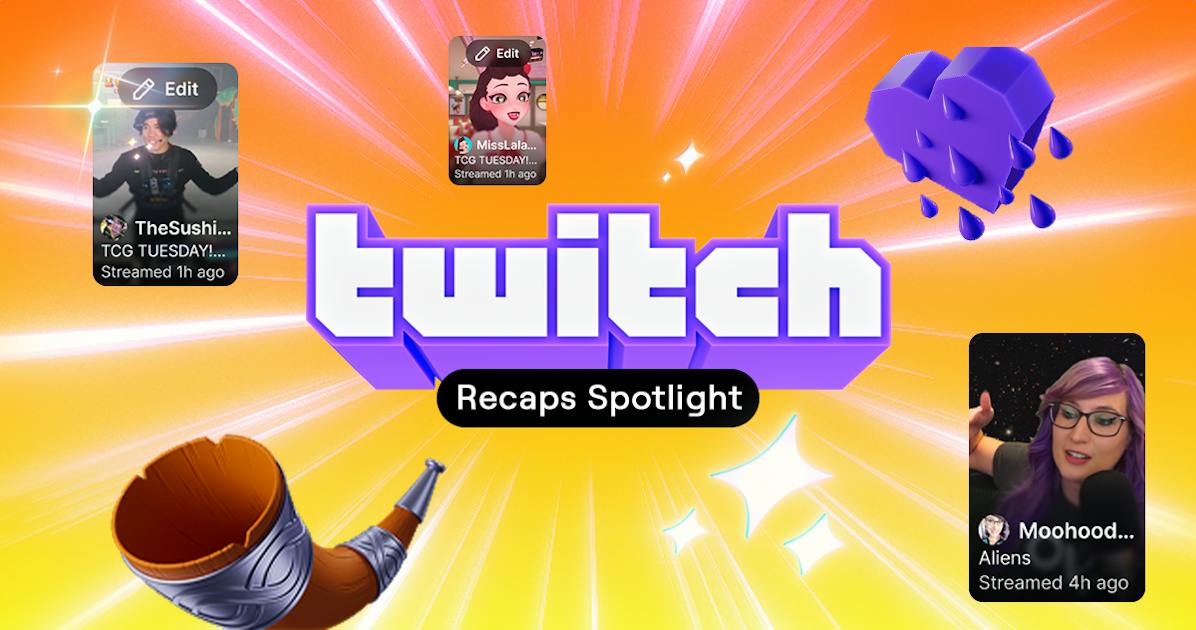
Your next Twitch viewer could discover you on somebody else’s Instagram or YouTube account. Twitch’s October 27 announcement describes Recaps Spotlight, a program letting distribution partners choose clips from a streamer’s Recap and promote them with credit and a channel link.
The launch covered Partners, with Affiliates mentioned only as a possible later expansion. Joining costs nothing: eligible streamers opt in through web Clip Settings and can change their choice. Selection is discretionary, with safety and eligibility checks. Viewer engagement is one signal Twitch considers. The announcement offers an opportunity for distribution; it does not promise that opting in will get a clip posted or bring new followers.
Build the reel first
The raw material is a Stream Recap, the catch-up reel Twitch introduced on October 20. A creator can open Stream Summary after a broadcast, or use the mobile app’s plus button, to choose clips. Clips made by the streamer and their editors are included initially; the selection can be changed. In the editor’s filmstrip, checkmarks identify clips already included, and creators can add other moments or remove unwanted ones.
A Recap has a job even when no outside partner selects it. Twitch places it on the channel page and above followers’ mobile feeds. Comments and reactions give the creator feedback on which moments connected with that audience. Twitch says that engagement can also help it choose clips for recommendations in its own feeds. After a broadcast, the creator can also adjust captions, cropping and layout. That makes the review more than a selection exercise: the chosen clips can be refined before sharing. The feature description makes the immediate payoff catching up between broadcasts, with discovery as an additional possibility.
Check the clip itself
This builds on earlier editing controls. In its August 2024 clip update, Twitch described automatic portrait versions and a saved layout preference for later clips. It also gave channel owners controls to revise a clip’s title, trim and portrait crop after a viewer had published it. Those are separate decisions from which clips belong in a Recap: one shapes the moment itself, the other chooses the highlights that represent the broadcast.
That update also described a safeguard for viewer-made clips: the viewer loses editing access after the streamer features, edits, exports or shares a link to the clip. For a creator preparing a highlight, the practical step is to inspect the framing and title before sharing. Twitch’s documented controls let streamers correct a viewer’s first cut; they do not require accepting it as the final version.