Affinity’s free iPad app leaves a few jobs for the desktop
The free creative tools share one project, while device requirements and import limits deserve a closer look.
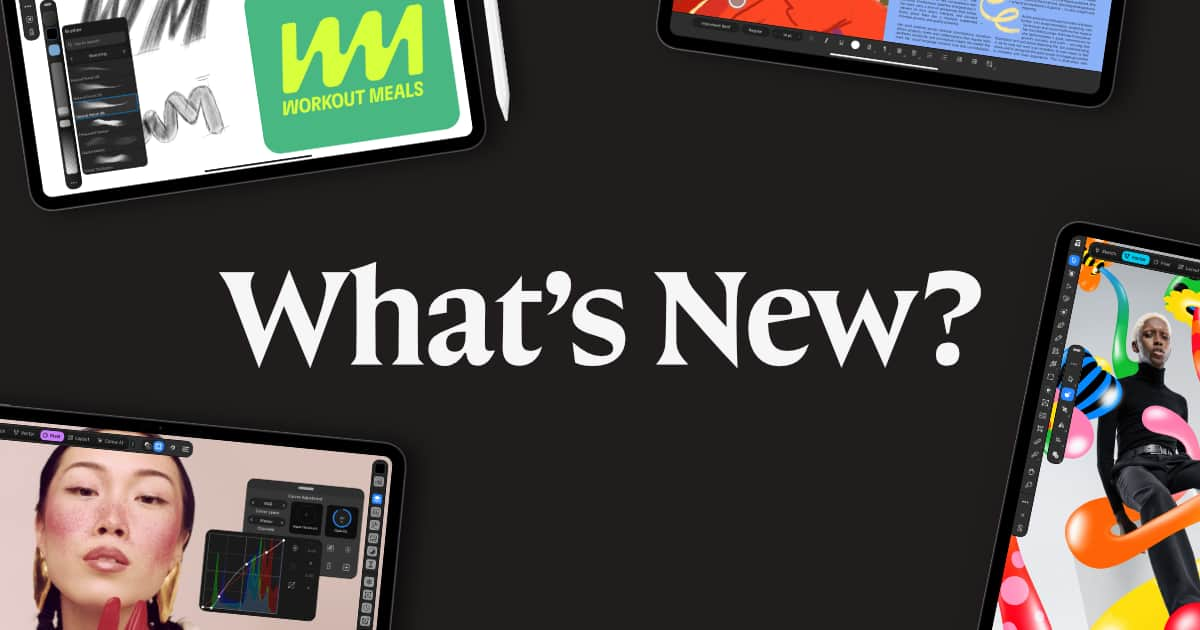

Affinity’s new iPad app removes the price of entry for individual creators, but it does not remove every reason to keep a desktop nearby. The November 2 launch combines drawing, vector artwork, photo editing and page layout. Its core tools are free; the optional Canva AI Studio requires a premium Canva plan. That separates the ordinary creative workspace from the paid AI features.
A Canva login is required, but a free account is enough to get started. The iPad FAQ says the current desktop and tablet apps can work on the same .af documents. That is useful for continuing a project across devices, although it does not mean their feature lists are identical.
Check the device before planning the move. The US App Store listing specifies iPadOS 18 or later and lists a 1.9GB app size. It identifies the app as Affinity by Canva, with Canva as developer, helping distinguish this release from the older separate Affinity apps. Those details establish the listed software requirement and download size; they are not a benchmark of how a large project will run on a particular iPad.
What one file changes
The launch walkthrough describes a rough sketch becoming editable vector work without leaving the document. Photo adjustments, masks and page layout can live alongside it. Affinity also says edits are non-destructive and undo history can be saved with the file. For a mixed project, the attraction is revisiting those component parts together, rather than passing a flattened result from one specialist app to another.
The touch interface has its own learning curve. Affinity’s iPad gestures lesson covers canvas navigation, Pencil pressure and tilt, configurable double-tap behavior, and organizing objects and layers. It also covers setting up Quick Actions and the Command Controller around frequently used shortcuts. Those are concrete places to begin adapting a desktop routine. The company provides a downloadable lesson document, so a newcomer can explore the controls on supplied material before working on a client project.
Before moving existing work
Some production tasks remain absent at launch. Affinity lists Books, Batch and Data Merge panels, macro recording and Astrophotography Studio among the desktop features missing on iPad. Importing an Adobe project also needs inspection. InDesign’s complex formatting can require repairs; Illustrator appearance effects or masks may simplify; Photoshop smart objects and advanced filters can flatten. A file opening successfully therefore does not establish that every element remains editable. Check the imported document and the tools your job needs before committing the workflow to the tablet.
For delivery, the FAQ lists PDF, SVG and EPUB among its output formats, alongside common image formats and direct export to Canva. Choose what the recipient needs, then check that output separately from the editable .af working document.